 PyCharm
Product capabilities
Tools that stay inside the IDE
PyCharm concentrates Python editing, analysis, notebooks, data tools, and VCS in one environment — the pattern professionals describe as batteries-included.
Code intelligence
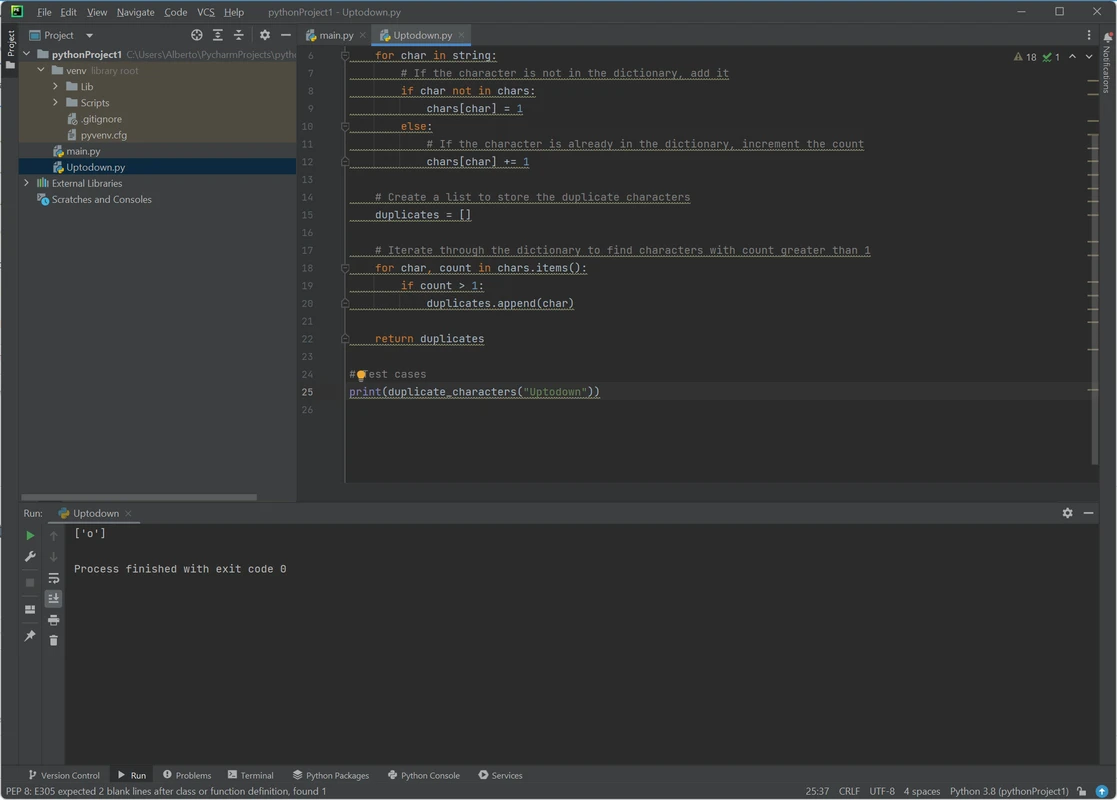
Intelligent Python editing
Smart completion, PEP 8 compliance checks, refactorings, and inspections are core to how PyCharm markets its Python support. Recent 2026.2 work tightened type inference, reduced false positives, and made type-mismatch messages clearer with diffs for composite types.
- Intention actions and quick-fixes in the editor gutter
- Project-wide renames and structural navigation
- Status-bar awareness for style (for example PEP 8) and interpreter
Runtime
Debugger & run configurations
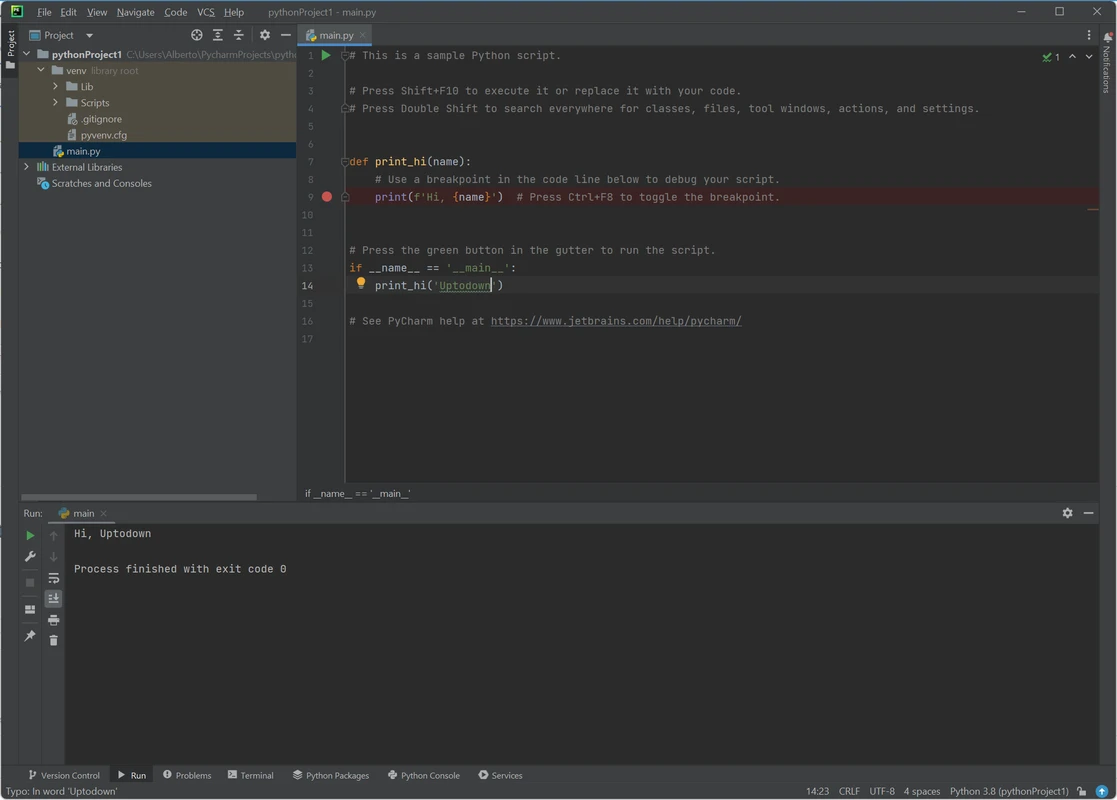
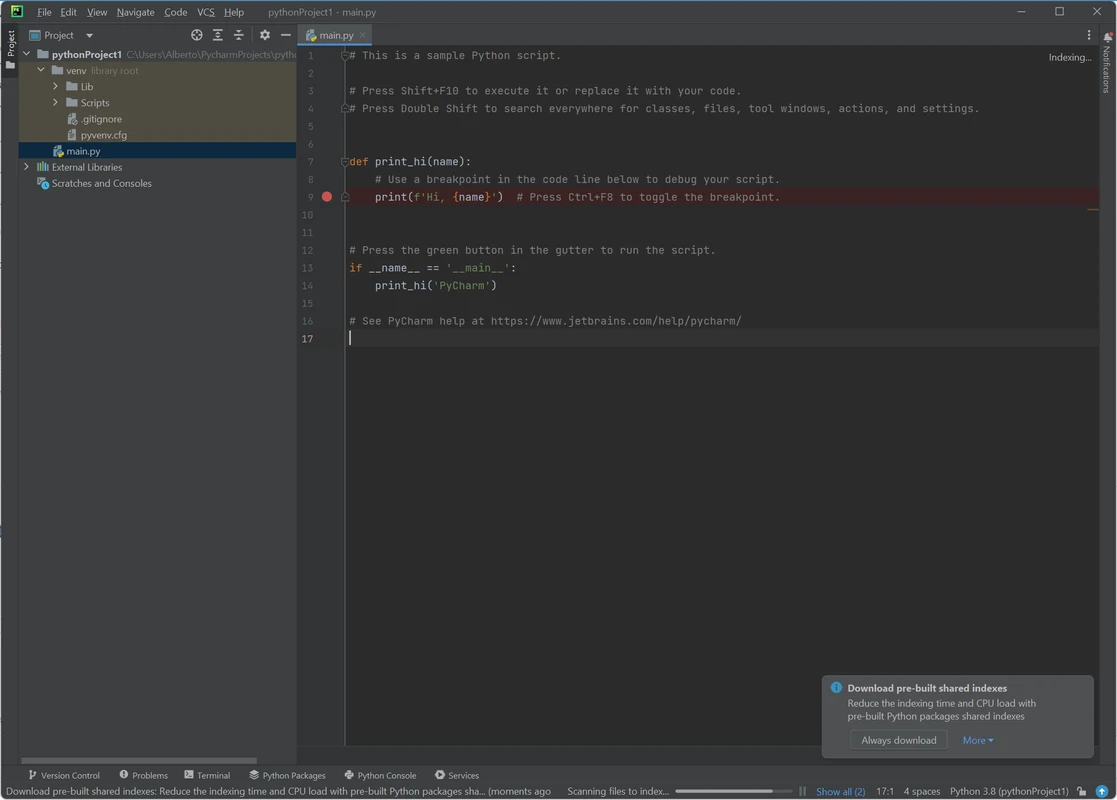
Set breakpoints, run and debug configurations, and inspect state without leaving the project window — a frequent reason data scientists cite PyCharm’s “cockpit” feel.
Data science
Jupyter, packages, and databases
Jupyter support is included in PyCharm’s core functionality. The product also emphasizes SQL/NoSQL database tools, Conda, and scientific libraries. In 2026.2.1, AI agents can work against a live Jupyter kernel, and marimo notebooks are available via a third-party plugin.
Web
Django, Flask, FastAPI — and frontend adjacent work
Official positioning covers powerful Python backend assistance for Django, Flask, and FastAPI, plus JavaScript/TypeScript, React, Angular, an HTTP client, and SQL database tooling for full-stack work.
AI
AI that knows your environment
PyCharm offers natively integrated AI with major model providers or a local model, multi-agent experiences, next-edit suggestions, and the option to use JetBrains AI credits or bring your own keys. The 2026.2.1 Agent Environment Coordinator steers agents toward the project interpreter (uv, Poetry, venv, conda) so packages land in the right place.
# agent targets project interpreter
Ask the agent to install or run inside the project — it can coordinate with the configured tool instead of the system Python.
Remote
Remote development & WSL
JetBrains Remote Development is documented for PyCharm, with hardware parity to desktop, OpenSSH 7.9p1+, Docker 25.0/29.0 when containerized, bandwidth/latency floors, and WSL 2 (WSLg graphics forwarding not supported).
Spec table
Language & runtime notes
| Item | Detail |
|---|---|
| Product model | Unified PyCharm — core free/OSS; Pro trial on install; Pro subscription for advanced features after trial |
| Bundled runtime | JetBrains Runtime (based on 21) — no separate Java install required |
| Python versions | 2.7; 3.9 up to 3.15 |
| Platforms | Windows 10/11, macOS 15/26, supported Linux distros |